Create Captivating Experiences on Campus
With Carousel Digital Signage
Digital Signage & The Student Journey
A comprehensive digital signage strategy can help you connect with students, parents, faculty, and alumni in exciting ways. Make your school stand out with these tips from BrightSign and Carousel, the leaders in digital signage solutions for higher education.
Prospective Students
Use digital signage to create an engaging pre-enrollment experience and connect with students and parents that are considering your school on tours, during college fairs, in admissions offices, at athletic facilities, in bookstores, and more.
Want to create an exciting experience for prospective students?
- Highlight and display accomplishments to create an awareness around achievement.
- Show prospective students what they too might accomplish by attending your institution.
- Share your core values and bring a sense of excitement to new recruits by sharing what life is like on your campus.
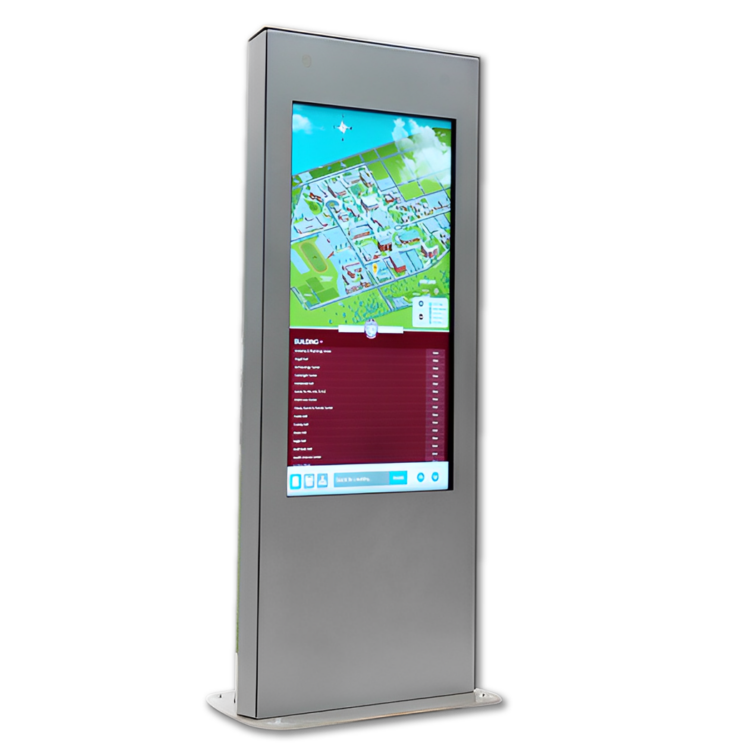
- Help parents and students find their way around campus.
Creating an Impression
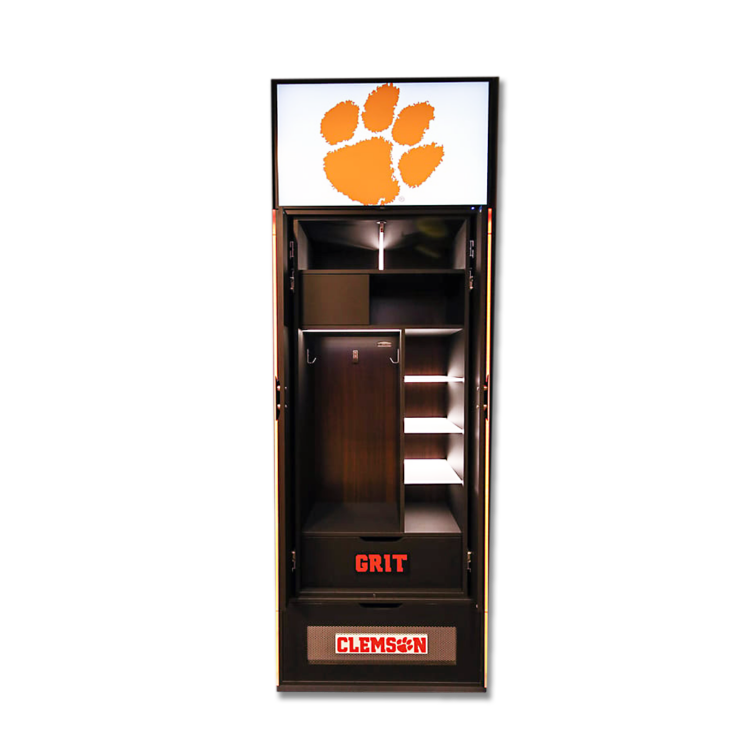
When coaches and administration at Clemson University wanted a way to engage more deeply with their student-athletes and potential recruits in the Men’s Basketball program, they turned to BrightSign and Carousel. They wanted something more than the standard pre-loaded static displays found in most locker rooms and they needed a modern content delivery system they could update in real-time.
The Clemson solution includes high-definition displays, positioned above each of the room’s 18 lockers, powered by BrightSign digital signage players.
“Imagine being a potential recruit on a college tour, coming into the locker room and seeing highlight reels playing above the lockers,” says Brady Jolet, AVI Senior Account Manager. “That’s going to create an impression.”
- Content on the displays can be changed on individual lockers or across all displays to create one continuous image or video.
- The locker room solution also includes a custom Bluefin digital display panel mounted horizontally in the locker room for the coaching staff to share the day’s schedule as well as important information, stats, and clips for the entire team.
- The dynamic, tailor-made digital displays offer real-time engagement, including showing player’s personal avatars above their lockers, which has been a hit among the athletes.
- Additionally, members of Clemson’s athletics department were trained on how to manage and update the content swiftly and easily.
Freshmen & New Students
Use digital signage to welcome freshmen and help new students fit in during orientation, in residence and dining halls, at student events, and more.
Want to create a welcoming environment for new students?
- Offer students an educational experience that delivers a sense of belonging.
- Share event information that brings new students together and makes them feel welcome.
- Guide new students around campus and help them learn about available amenities.
- Encourage school spirit with dynamic content and announcements.
Simplifying Signage Across Multiple Campuses
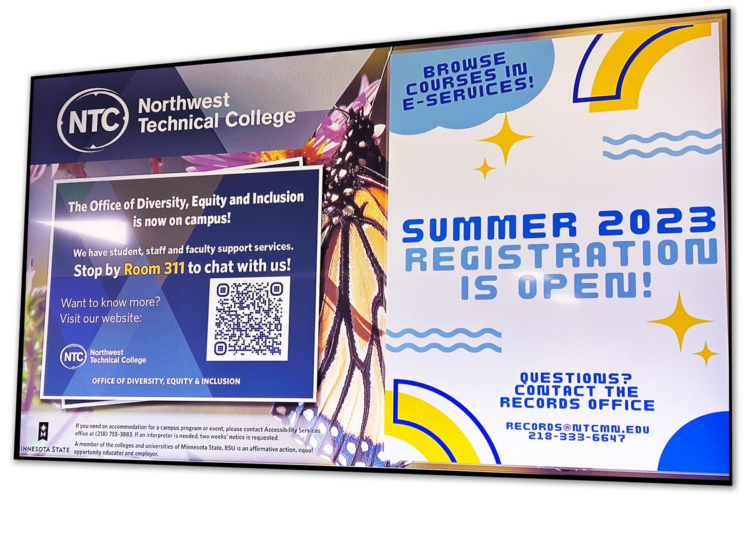
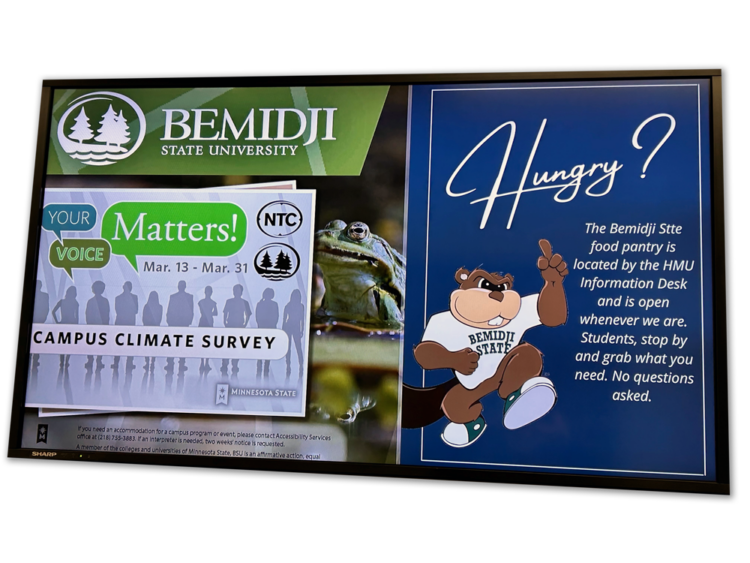
When Bemidji State University (BSU) sought to strengthen and unify communications across two campuses situated a mile apart, they turned to BrightSign and Carousel. They wanted to simplify IT operations and content management across two distinct learning environments, establish a foundation to attract more content creators and contributors, and transform an outdated digital signage network into a cloud-based solution.
The BSU solution included digital wall displays and interactive monitors powered by BrightSign players and the Carousel Content Cloud, deployed in residence halls, common areas, departmental buildings, the Wellness Center, and other departments with busy foot traffic.
“We are able to effectively use digital signage to inform students and faculty about the resources we offer across both campuses. Carousel also makes it easy to use the same or similar content on templates branded for each campus, or target very campus-specific content to one location. No matter how we use the templates or the content, Carousel Cloud makes digital signage simple for everyone involved.”
- Makes it easy to use the same or similar content on templates branded for each campus.
- Primarily focused on equipping classrooms and conference rooms for hybrid learning and meetings.
- Needed the ability to evolve as preferences change.
Returning Students
Use digital signage in advisors’ offices, study rooms, libraries, and lecture halls to help sophomores and juniors continue on their path to success.
Want to retain more students?
- Encourage, promote, help, and enhance the student experience.
- Upgrade the learning environment with interactive displays.
- Build trust by sharing accurate, real-time information where students live, play, and learn.
- Improve student wellness and show them you care about campus safety.
Updating Technology
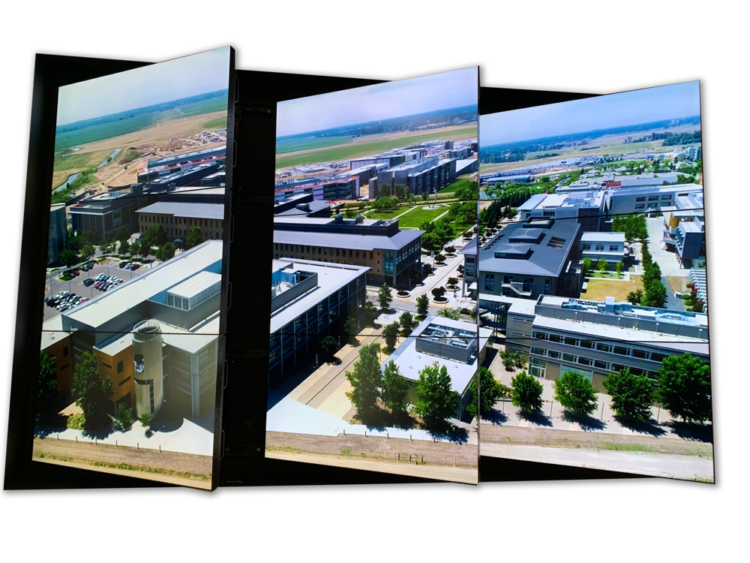
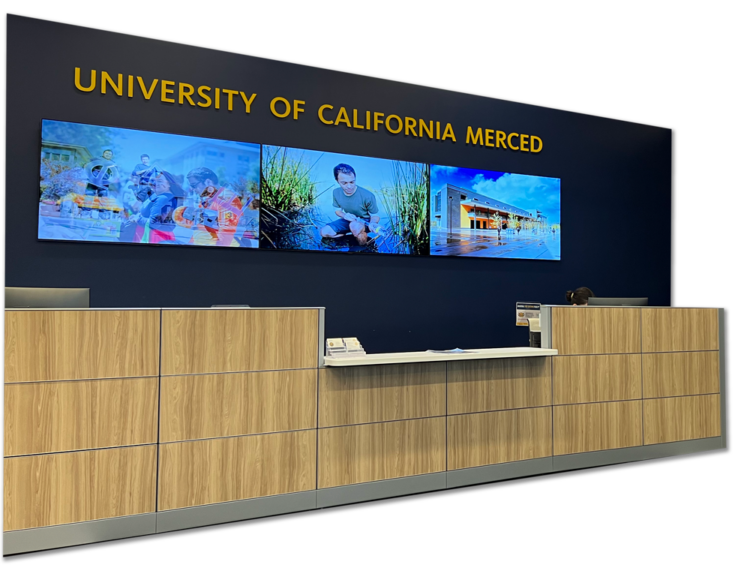
UC Merced, the newest University of California campus, experienced previous challenges with digital signage and lack of vendor support. That’s why they chose Carousel and BrightSign for a major digital signage upgrade in 2020, with product support and user-friendliness top of mind. They wanted a solution for multiple departments to easily create compelling and exciting content and ensure interoperability, particularly for emergency alerts.
The solution involved more than 50 active digital signage screens in dozens of buildings, classrooms, and conference rooms around campus, powered by BrightSign media players and Carousel Digital Signage CMS.
“There is a lot to offer with Carousel Cloud and BrightSign that we simply could not get before. The ability to do so much with one platform goes a very long way in achieving our goals.”
- Carousel’s native integration with BrightSign players simplified deployment and allowed UC Merced to take advantage of zero-touch deployment and remote player configuration.
- Integrates cleanly with Mersive Solstice collaboration systems and Zoom Rooms.
- Wireless presentation systems automatically switch to digital signage content following a presentation or lecture.
- User permissions and branded zones were set up for creative freedom and efficient content management.
- Exceptional technical support and collaborative features enhanced the overall experience.
- Included CAP integration for the Campus Safety department.
Editor’s note: This post was originally published in 2023 and has been updated and reformatted for clarity. The core content remains largely unchanged.